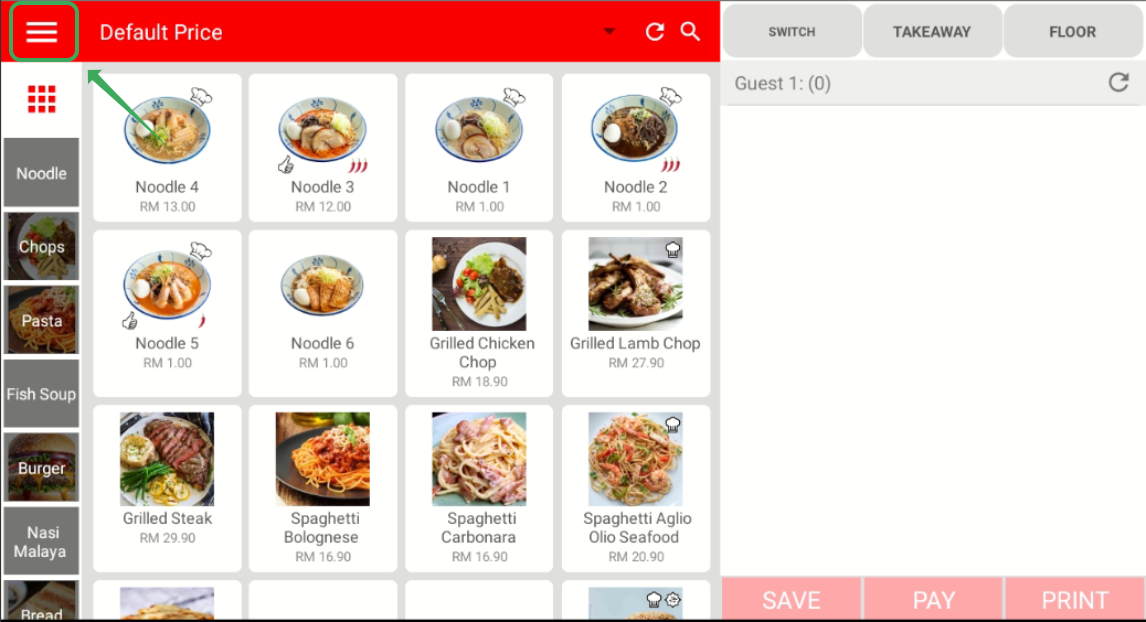
To register for new member, click on ≡ on the top left side of your cashier app to open side menu.
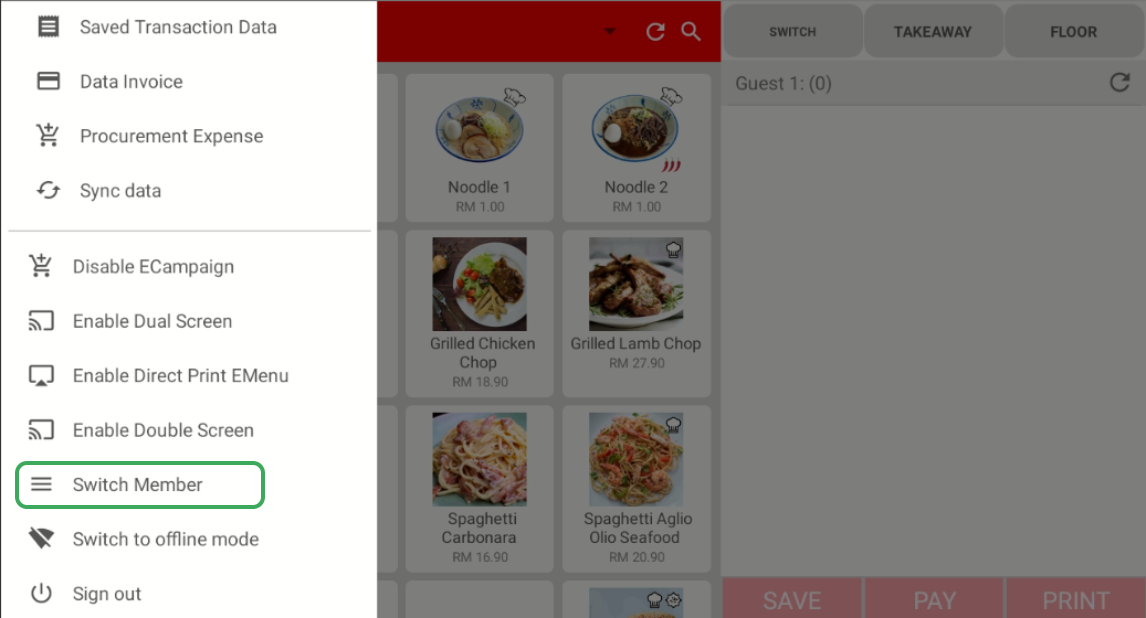
Then, click on Switch Member
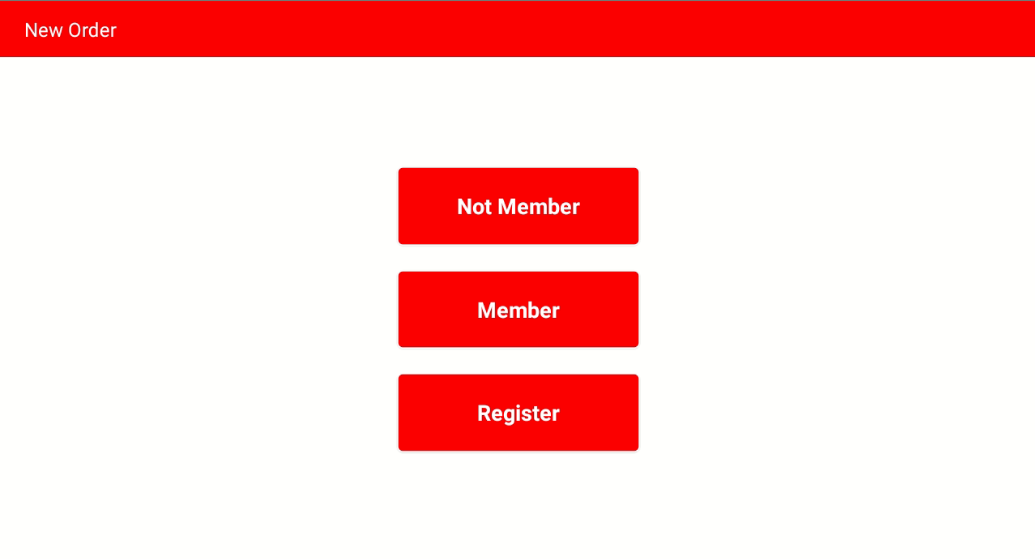
After that, click on Register
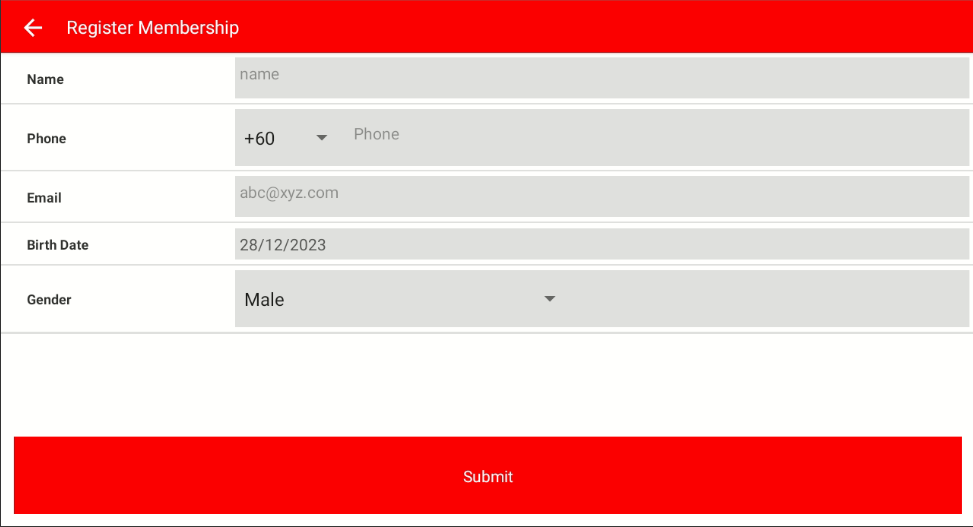
Key in all the information of the customer, then click on Submit
-----------------------------------------------------------------------------------------------------------------------------------------
Was this article helpful?
That’s Great!
Thank you for your feedback
Sorry! We couldn't be helpful
Thank you for your feedback
Feedback sent
We appreciate your effort and will try to fix the article