How to install and verify account
First, open your app store (eg. Google Play) and search for Rocket Membership
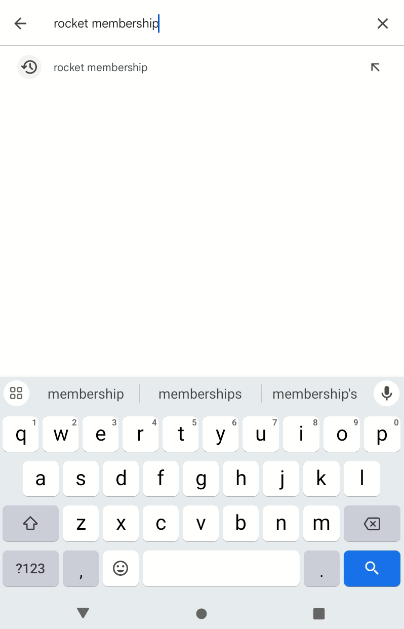
Install Rocket Membership
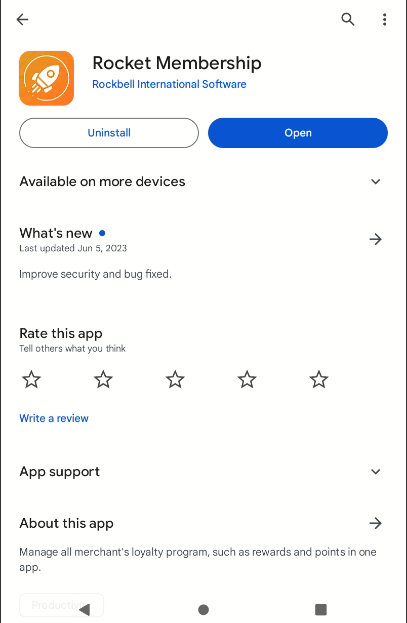
Open Rocket Membership App
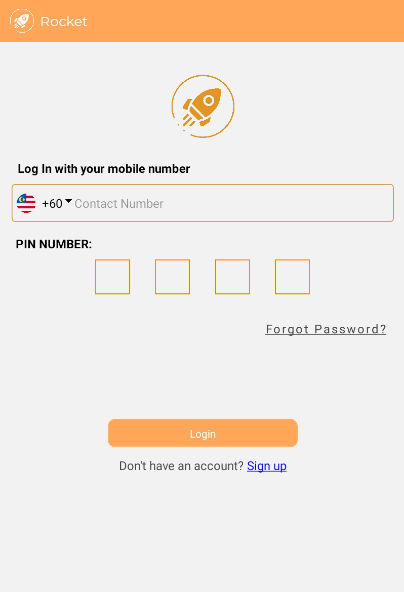
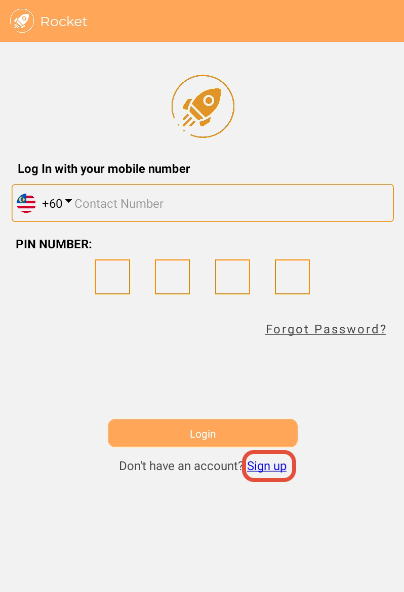
Click on Sign up
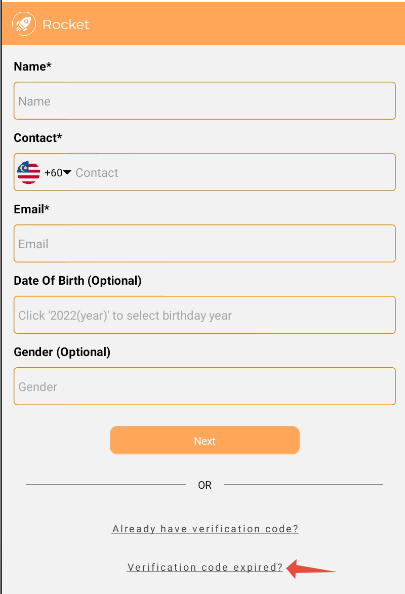
Scroll down and press on Verification code expired?
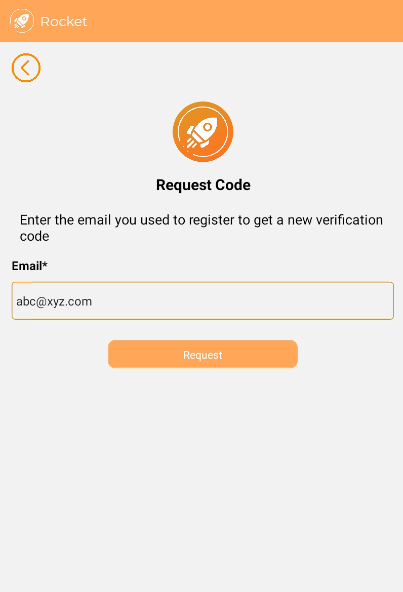
Key in the email you used to register the membership and press Request
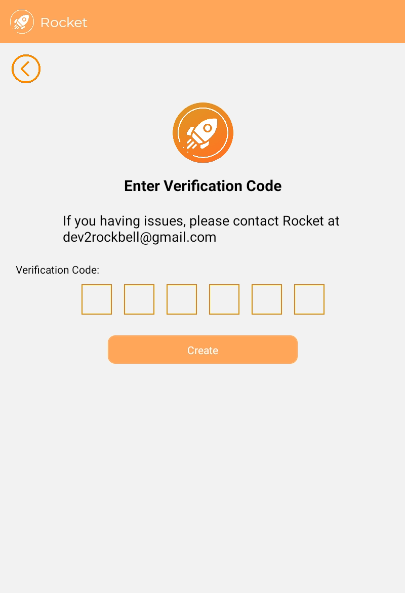
Key in the verification code sent to your email and press Create
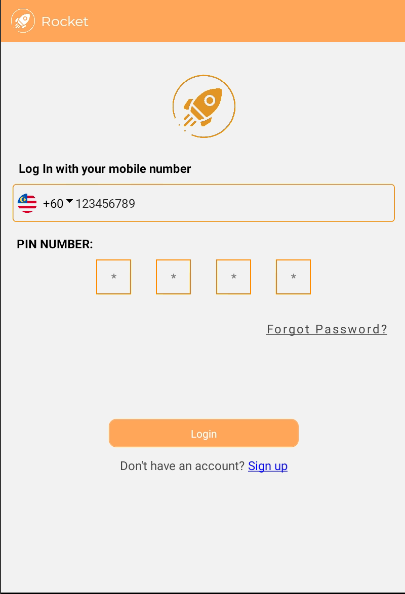
How to login into your account
Key in your phone number and your pin number then click on Login
----------------------------------------------------------------------------------------------------------
Was this article helpful?
That’s Great!
Thank you for your feedback
Sorry! We couldn't be helpful
Thank you for your feedback
Feedback sent
We appreciate your effort and will try to fix the article