Step 1: Open the App
Open the Popcorn Cashier app on your device.
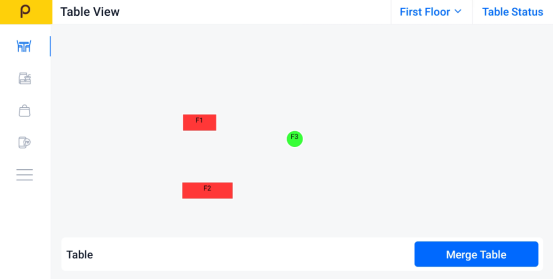
Step 2: Click the Sidebar
Tap the menu icon (☰)
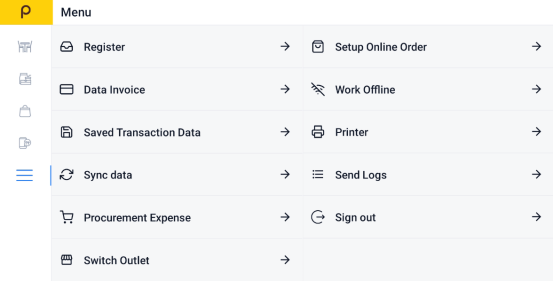
Step 3: Find "Data Invoice"
Select Data Invoice to view all recent transactions.
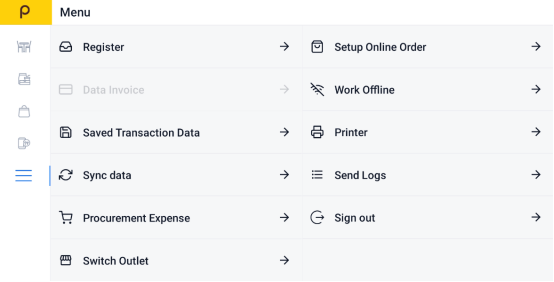
Step 4:Choose the Bill You Want to Void
Scroll through the list or search to find the specific invoice or bill.
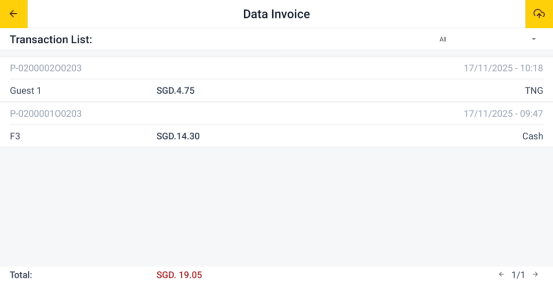
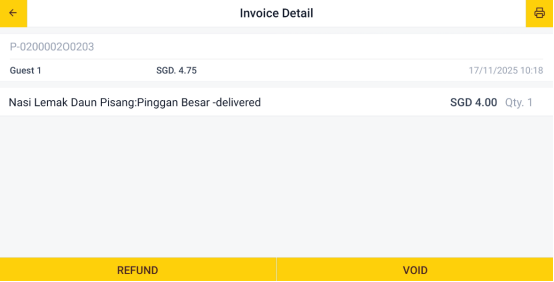
Step 5: Click the Void button
Tap the "Void" button.
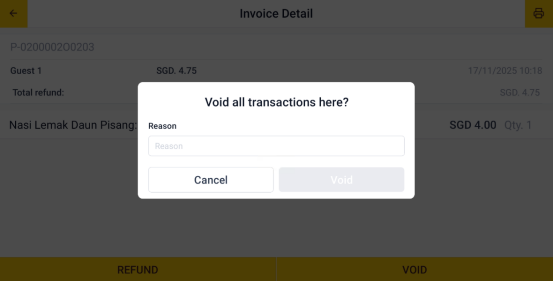
Step 6: Enter Void Reason
Enter the reason for the void in the field provided.
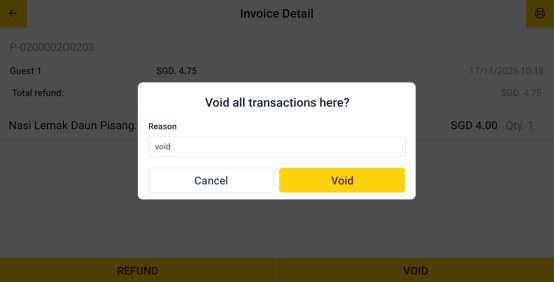
Step 7: Confirm the Void
Tap "Void" to submit the refund request.
Was this article helpful?
That’s Great!
Thank you for your feedback
Sorry! We couldn't be helpful
Thank you for your feedback
Feedback sent
We appreciate your effort and will try to fix the article