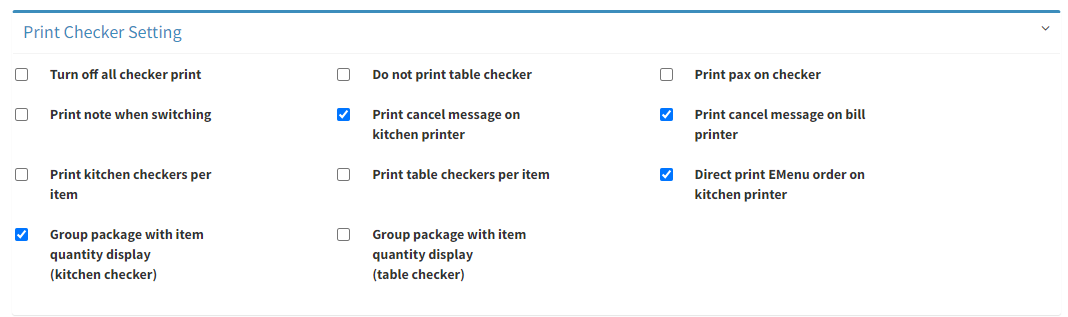
- In Backend(admin page), go to Setting > Print Checker Setting
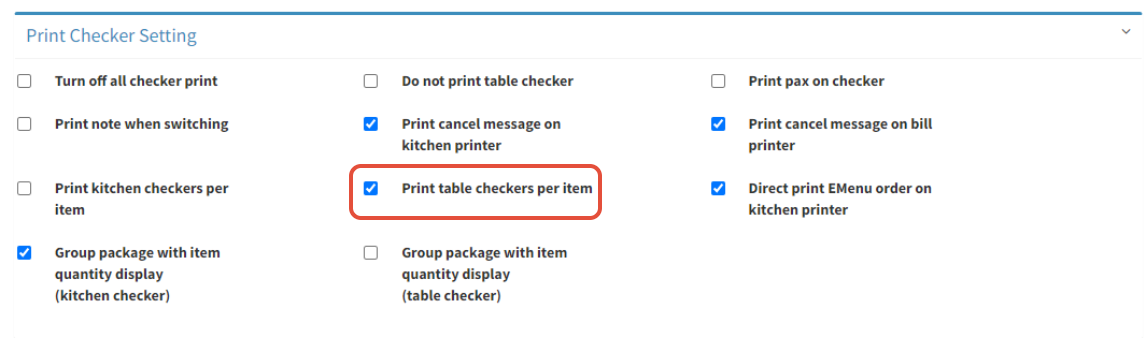
- To set only print one item per checker for Table, tick on Print table checkers per item
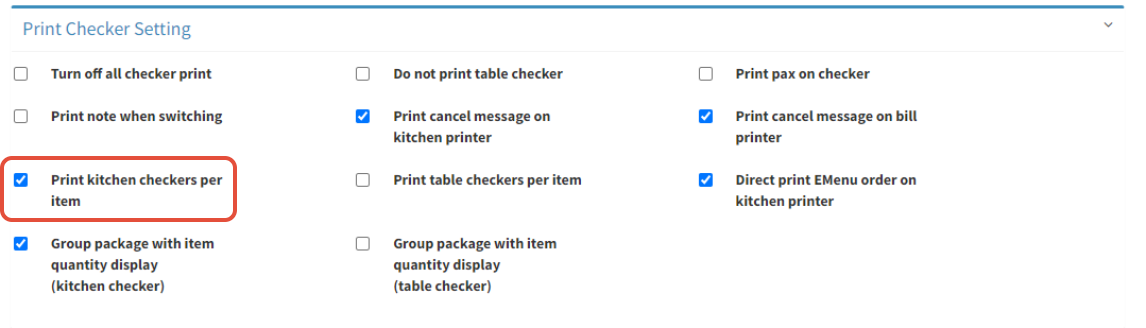
- To set only print one item per checker for Kitchen, tick on Print kitchen checkers per item
- Tick on both if you want to print one item per checker for both kitchen and table
- Click on
 to save
------------------------------------------------------------------------------------------------------------------------
Please refer to video below for more information:
Was this article helpful?
That’s Great!
Thank you for your feedback
Sorry! We couldn't be helpful
Thank you for your feedback
Feedback sent
We appreciate your effort and will try to fix the article