- Launch the Popcorn Cashier App on your device and ensure you’re logged in with the proper access level.
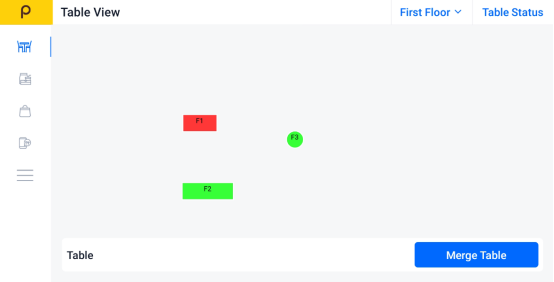
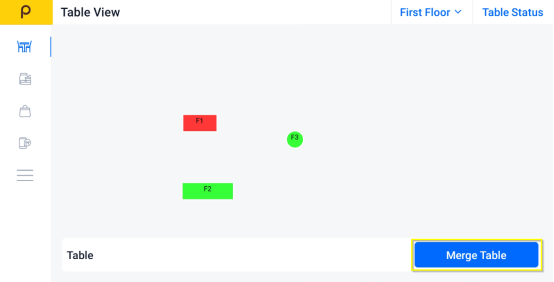
- Click on "Merge Table" button.
- Choose the tables you want to merge (the selected table will turn to color gray)
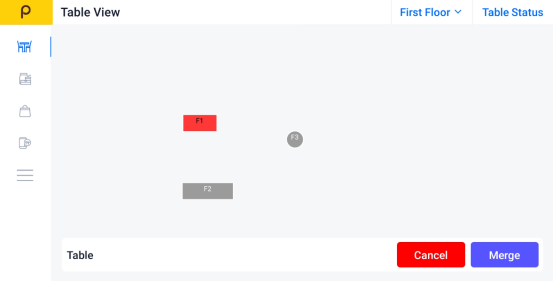
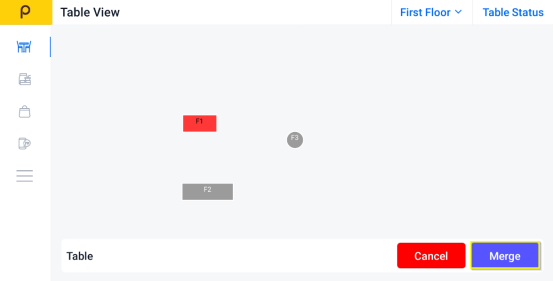
- Click on Merge to merge the table selected
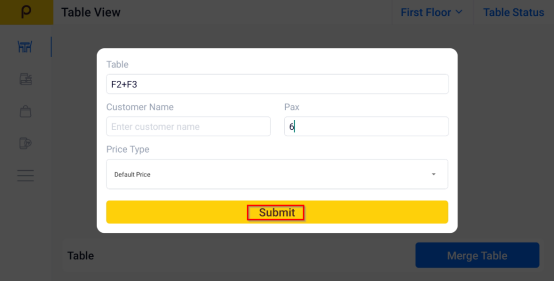
- Enter the customer name and number of pax is optional, and click Submit.
Was this article helpful?
That’s Great!
Thank you for your feedback
Sorry! We couldn't be helpful
Thank you for your feedback
Feedback sent
We appreciate your effort and will try to fix the article