How To Create Purchase Order
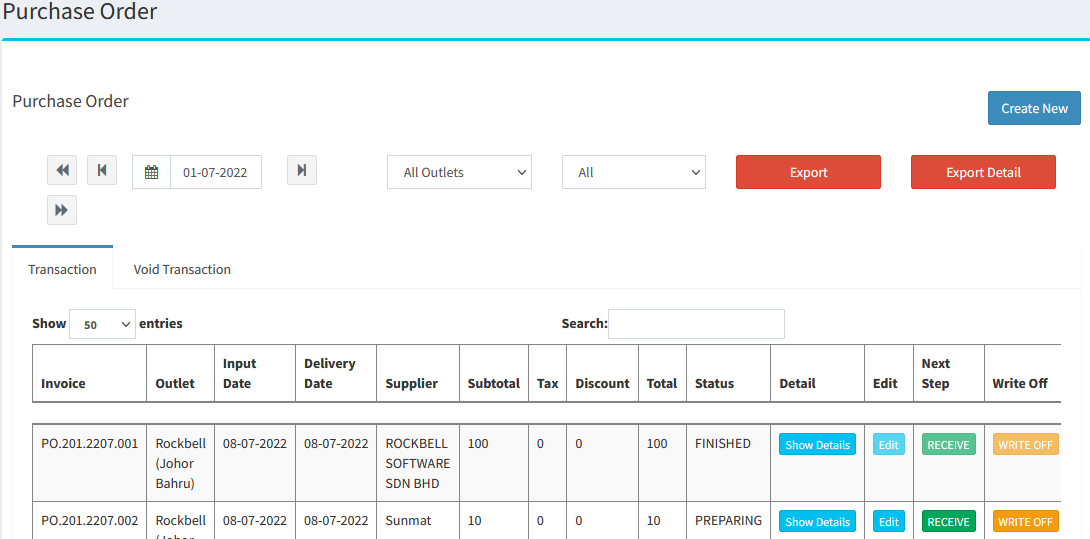
Go to Inventory > Stock > Purchase Order:
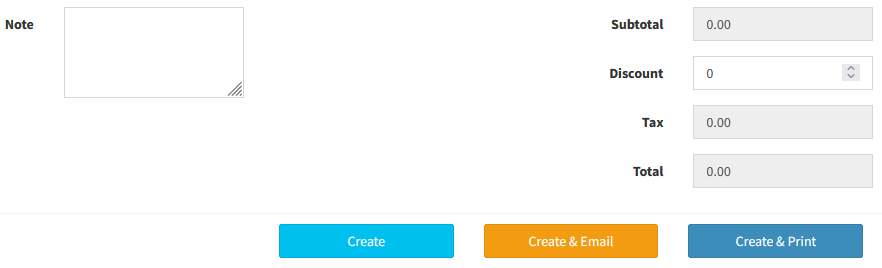
- Create New Purchase Order:
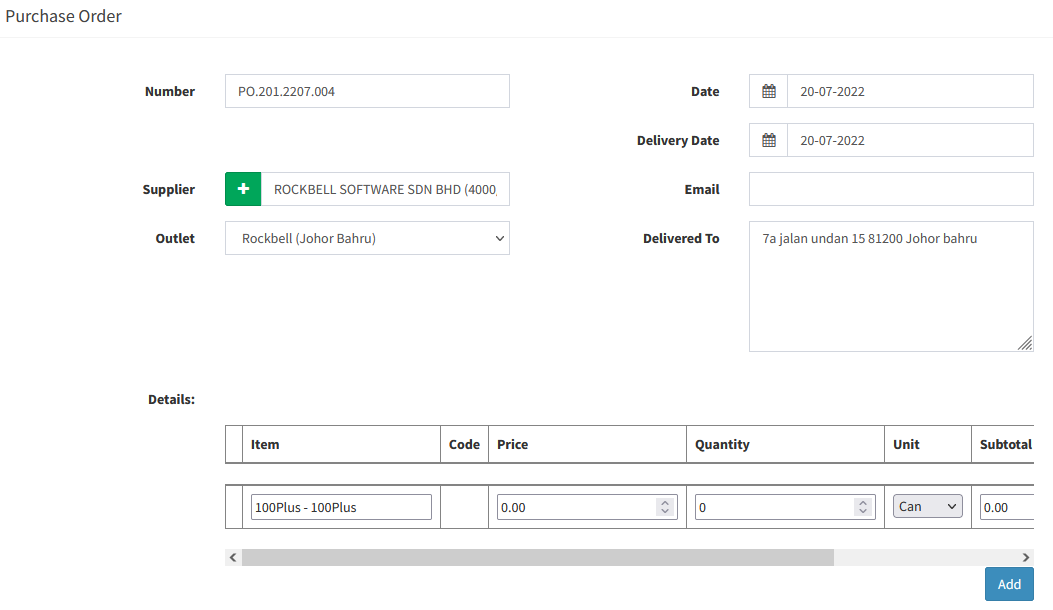
- Number: Purchase Order Number
- Supplier: Select Supplier
- Outlet: Select Outlet
- Detail: Add in the ingredients
How To Create Purchase Invoice
- After create purchase order, go to Purchase Order Listing:

- Click
 to convert the Purchase Order to Purchase Invoice
 - Stock will auto increase once click

----------------------------------------------------------------------------------------------------------------------------------------------------------
Please refer to the video below for more information:
Was this article helpful?
That’s Great!
Thank you for your feedback
Sorry! We couldn't be helpful
Thank you for your feedback
Feedback sent
We appreciate your effort and will try to fix the article